A useful case quote starts with more than “we need 50 iPad cases.” The right details help a supplier confirm fit, explain what is included and identify anything that needs attention before your deployment date.
Use this checklist for a classroom, a shared-device program or a mobile work team. You can complete it in a few lines; a long purchasing document is not required.
1. Separate your device models
List each iPad family and generation on its own line. Add the A-model number when available. Keep confirmed models separate from devices you have not identified yet.
If you are not sure how to find it, use our model-number guide. Similar names and screen sizes are not a reliable substitute for a fit check.
Also note whether the order is for new devices, replacements or an expansion of an existing deployment. For a reorder, the earlier NewTrent item or invoice reference can help identify what your team used. An older case does not establish the contents of a current package.
2. Count cases, packs and spares separately
Write down the number of devices that need a case. Add any spare cases as an explicit decision, rather than an assumed percentage.
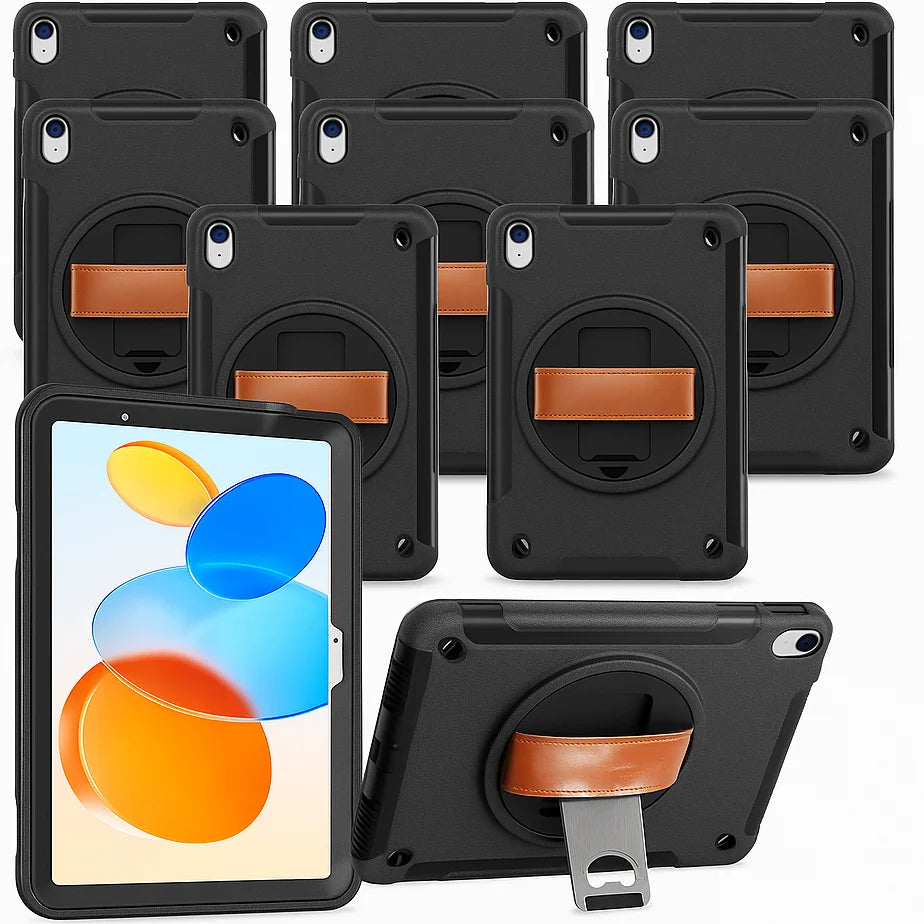
For example, an organization equipping 28 compatible iPads might choose 28 individual cases, or 30 cases and deliberately retain two spares. Three 10-packs equal 30 cases. The extra two are inventory, not an automatic saving. Compare the full quote and the usefulness of those spares before deciding.
The Grabbit Classroom 10-Pack is for iPad A16 and iPad 10th generation models supported by NT603GR. Each pack contains ten cases; iPads are not included. A mixed fleet needs separate product lines.
3. Describe the work, not just the industry
Two teams in the same organization may use iPads differently. One may hold the screen while standing, another may move between rooms, and another may mostly work at a desk.
Describe the tasks that matter:
- Holding the iPad while showing a screen or entering information.
- Carrying it between work areas.
- Standing it on a suitable, stable surface.
- Connecting the charging cable or using a particular Pencil.
- Fitting it into existing storage or charging equipment.
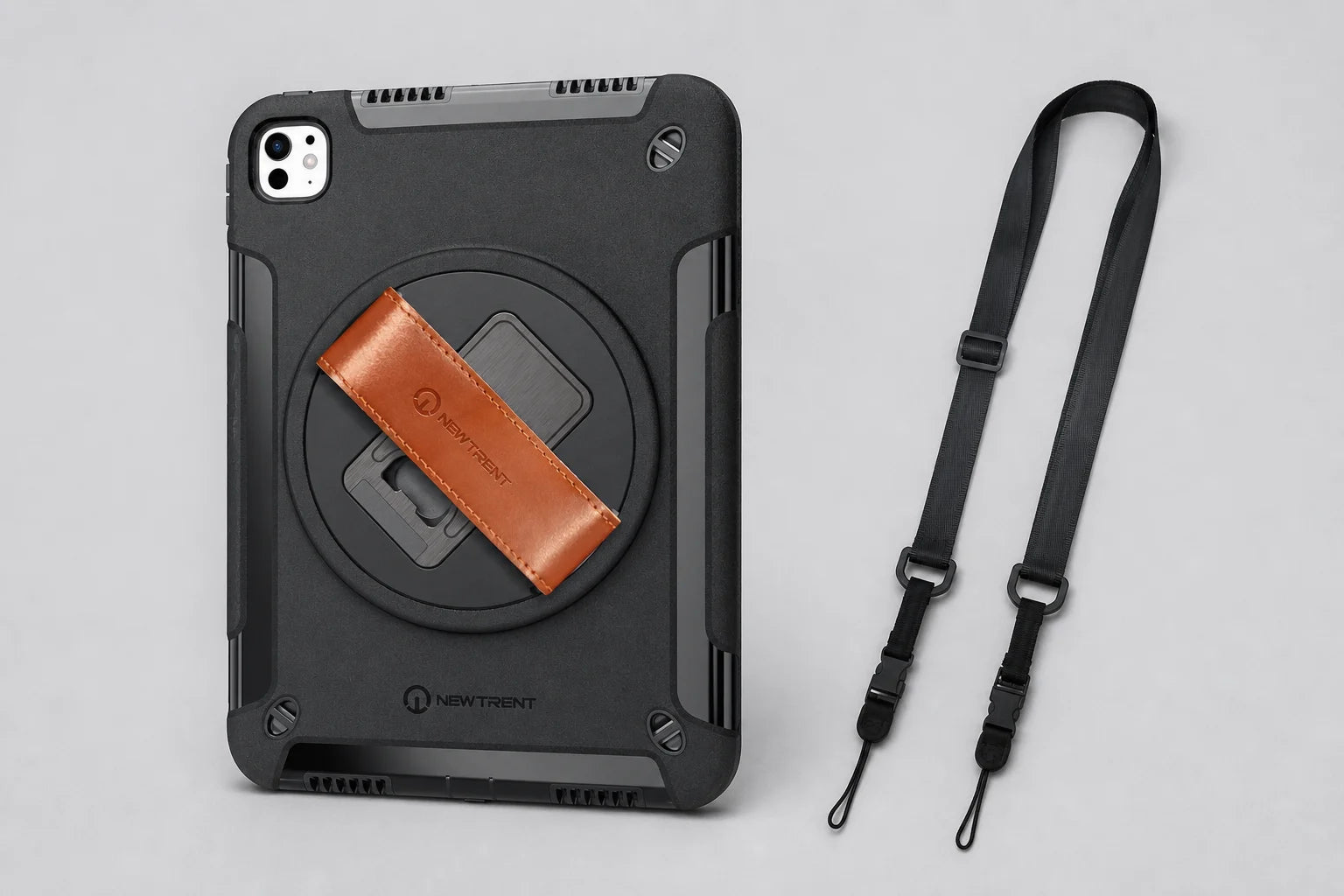
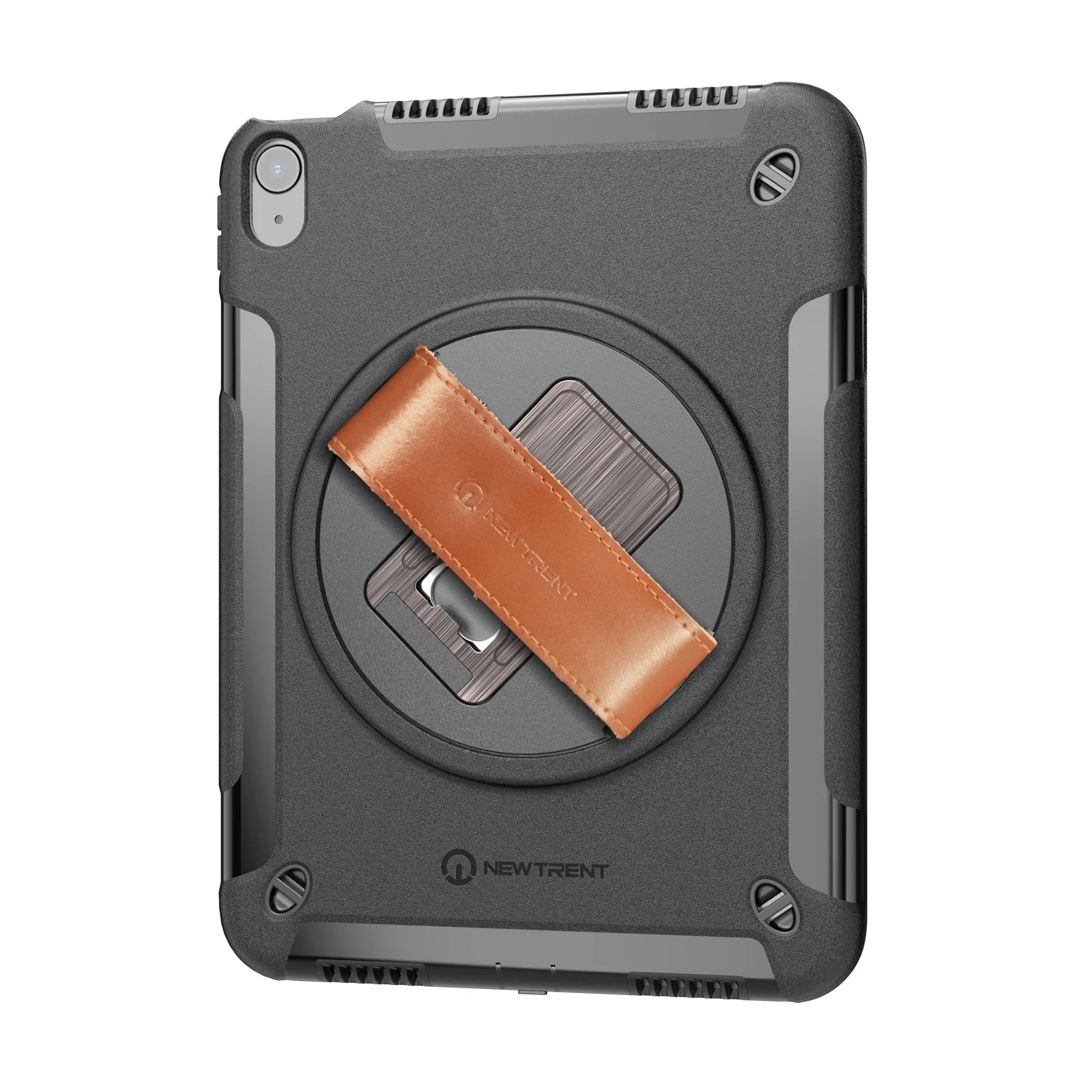
Grabbit brings a hand strap, shoulder strap and stand into this workflow. The current range includes the shoulder strap and has three rear mounting openings. Evaluate the exact model and its attachment instructions with your team. Do not assume compatibility with a cart, dock or other accessory until you have checked it.
4. Evaluate one complete setup
For a larger order, a useful evaluation is a real iPad, the intended case and the actual accessories together. Decide which tasks need to work before you start. Ask about an evaluation unit if needed; availability and arrangements are confirmed individually.
A practical check can be simple: install the case according to its instructions, confirm buttons and camera openings, attach the strap as directed, use the stand, connect the cable, and place the assembled device in its intended storage. Record what passed and what needs a different setup. This is a workflow evaluation, not a drop-test certification.
If your team uses Apple Pencil Pro with the NT606GR Air case, account for removing the whole case for magnetic attachment, pairing or wireless charging. There is no built-in Pencil holder. Make that decision with the people who will use the devices every day.
5. Give purchasing the requirements early
Include the delivery region, target date and whether that date is firm. If your organization needs a purchase order, tax-exemption review or vendor documents, put that in the request. Requested terms and deadlines need confirmation; submitting a form does not approve payment terms or reserve stock.
For Pro 11 and Pro 13 models, fit and availability are confirmed through a quote. Keep planned items separate from products you need immediately.
Copy this into your request
Organization and contact:
Device model and A-number, if known:
Cases needed for each model:
Spare cases, if any:
Current case or previous order reference, if reordering:
Pencil, charging, storage or workflow requirements:
Delivery region and requested date:
Purchase order, tax-exemption or vendor-document requirements:
Would an evaluation unit help? What needs to be checked?
You can omit serial numbers and employee information. If a device model is unknown, say so and include the product name you do have.
Check the final quote before ordering
Verify the device match, product and accessory contents, pack quantity, physical case quantity, price, shipping, applicable taxes, payment terms and expected timing. At receipt, compare the shipment to that agreed specification before distributing it to users.
Have your list ready? Build a team quote. We will work through model, quantity and purchasing details with you.