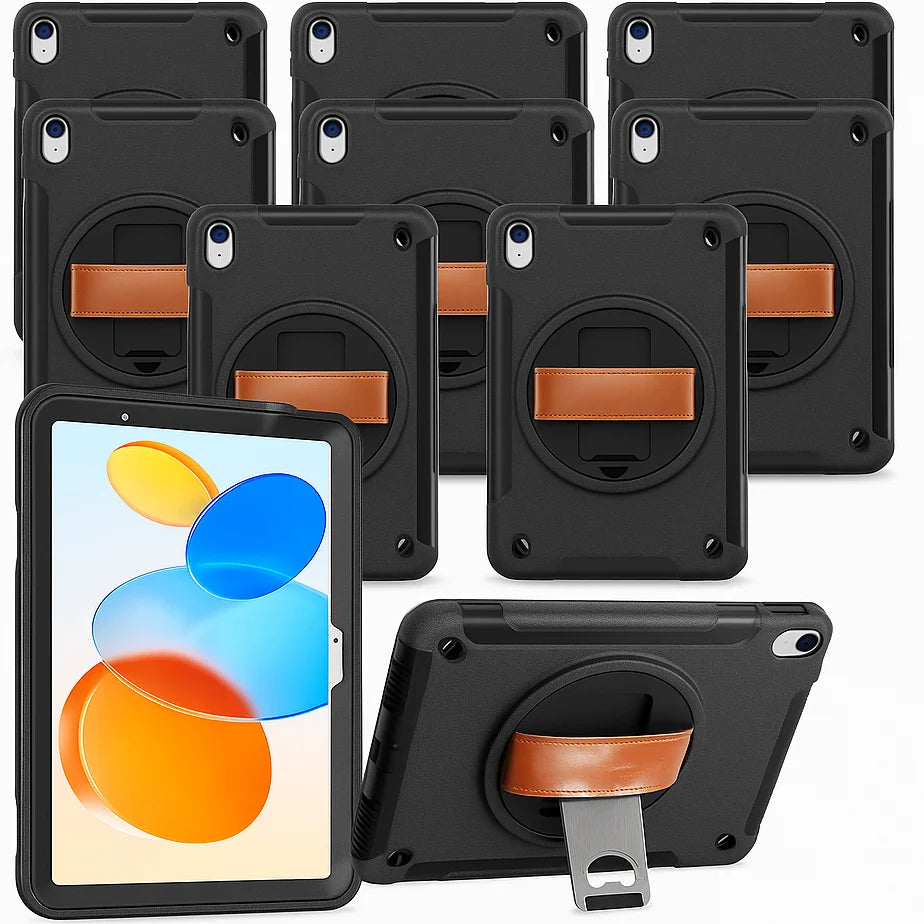
Think about the last time you used an iPad at work. Where did it go when you needed to move? How did you hold it while showing someone the screen? What happened when you reached a desk?
Those transitions are a useful way to evaluate a case. A hand strap, shoulder strap and stand have different jobs. The best starting point is the work your team already does, followed by a check with the actual device and accessories.
Hold: when the screen stays with you
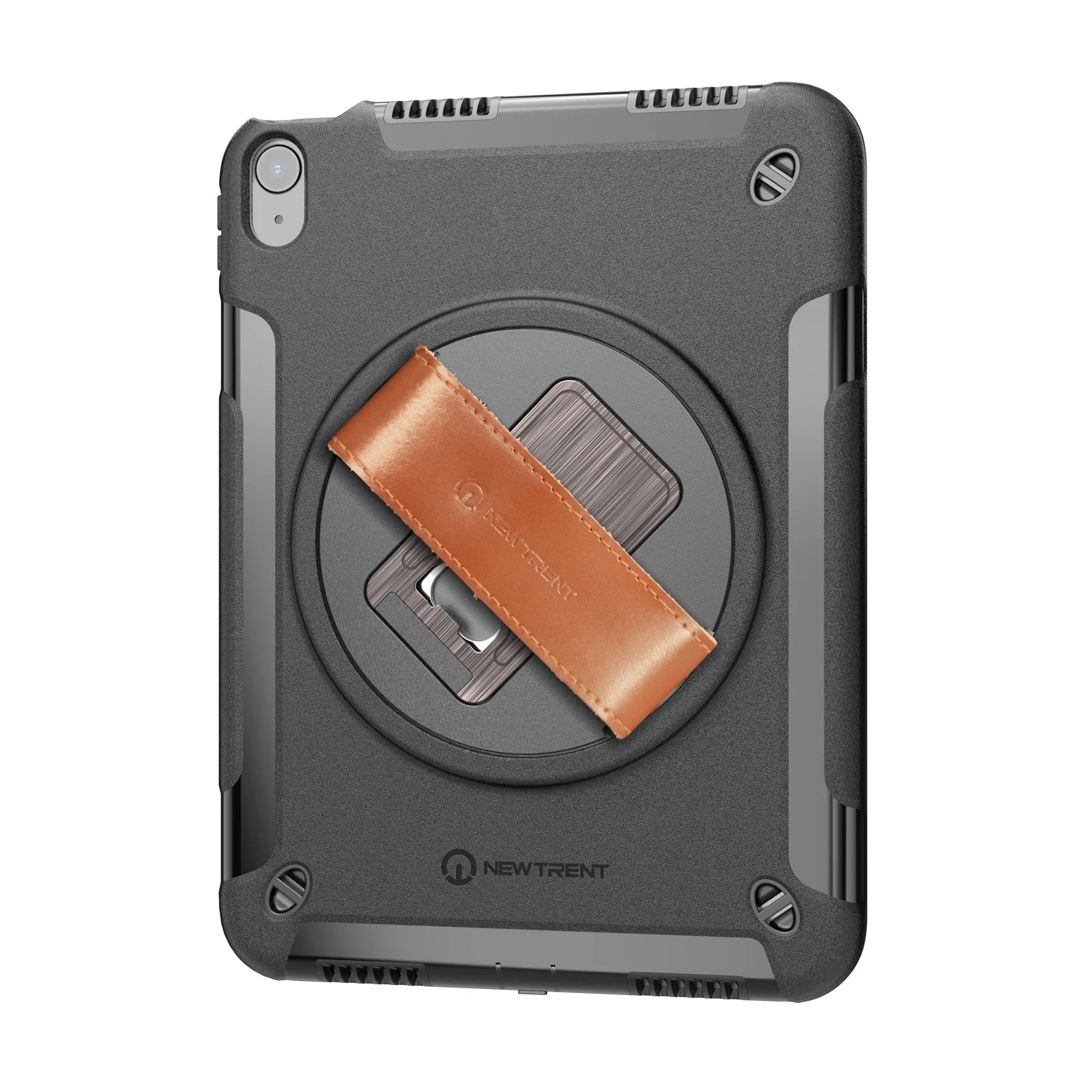
A hand strap gives you another way to hold the cased iPad. It may suit a teacher presenting a screen, a staff member discussing information with a customer, or a worker recording an observation while stationary.
Try the strap with your usual grip. Check whether your hand sits comfortably, whether you can reach the controls you need and whether the screen orientation suits the task. People have different hands and work habits; a product photo cannot settle those questions for every user.
A hand strap is not a promise that a device cannot fall, and it does not establish a measured reduction in fatigue. The useful question is narrower: does this arrangement work for the way your team needs to hold the screen?
Carry: between one work area and the next
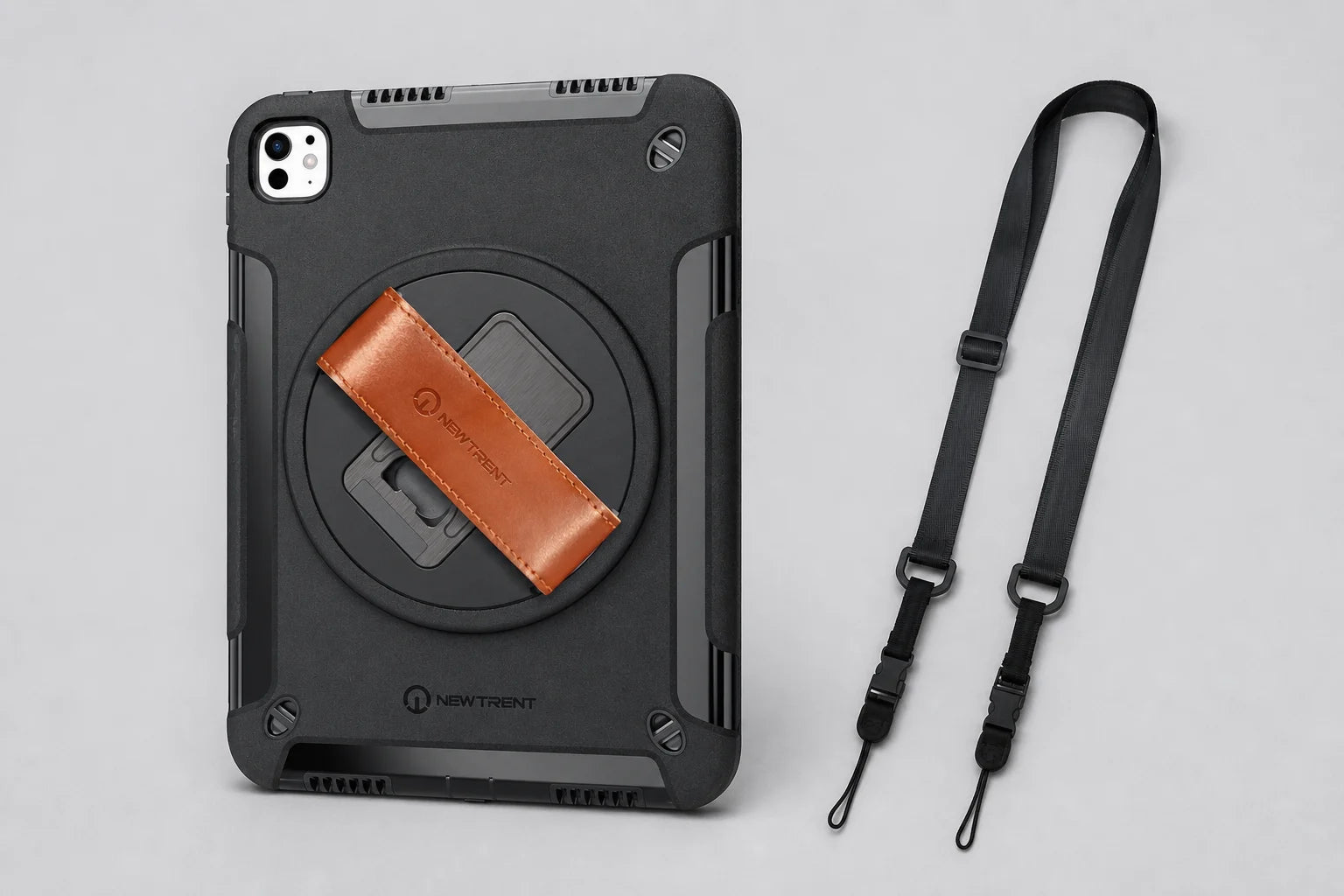
The current Grabbit range includes a shoulder strap. On the back of the case are three mounting openings for shoulder-strap attachment. This is a visible part of the current design, separate from the hand strap used while holding the iPad.
Use the attachment instructions for your exact case model. Check the strap connections and adjustment before use. During an evaluation, see how the device sits against the body and how easily the user can transition from carrying to holding it. Follow your workplace’s rules for where a strap is appropriate.
Do not infer a rated load or a special safety function from the number of openings. This guide does not treat the strap as protective equipment or a device for securing an iPad in hazardous work. What matters here is ordinary movement between suitable work areas.
If you own an older Grabbit, compare its configuration with the current version before planning a reorder. Current accessory contents should be clear in the product information and in your quote.
Set down: when the surface can support the screen
A stand provides another useful position when you reach a suitable desk or counter. Test it on a stable surface in the orientation you need. Try the actual screen tasks: reading, tapping, showing information to a colleague or referring to a checklist.
Check where your charging cable runs. A stand that works well by itself still needs to work with the rest of the setup. Keep cables and straps arranged so they do not interfere with the surface or with passing movement.
Do not assume a case and stand will fit every charging cart or desk accessory. Measure or test the assembled device where it will be stored and charged.
Run a short, practical evaluation
Choose a representative user and one real task for each position. A team that only works at desks may reach a different conclusion from a team moving frequently between rooms.
| Task | What to try | What to record |
|---|---|---|
| Hold | Use the hand strap while working with the screen | Grip, reach, orientation and any difficulty |
| Carry | Attach and adjust the shoulder strap as instructed | Connection, position and transition to holding |
| Set down | Use the stand on the intended surface | Stability for the task, viewing position and cable access |
| Store and charge | Use the actual cable and storage space | Fit, access and anything that must be removed |
Record the result rather than treating “rugged” as a substitute for an evaluation. If your purchasing specification requires a particular certification, cleaning process or test standard, tell the supplier exactly what evidence you need. This article makes no certification or clinical-use claim.
Start with fit, then evaluate the workflow
The right workflow still needs the right case model. Use our iPad finder for the confirmed device match. For Grabbit Air NT606GR, there is no built-in Pencil holder, and Apple Pencil Pro magnetic attachment, pairing and wireless charging require removing the whole case. Keep that in the evaluation if your team uses that Pencil.
For a team order, list the models, quantities, delivery region and any questions uncovered during the trial. You do not need a polished presentation; a clear set of observations is more helpful.
Bring us the tasks your team needs to do. Explore Grabbit for teams or request a quote with your device list.