When you are ordering one case, a mismatch is inconvenient. When you are equipping a team, it can interrupt a whole rollout. Start with the exact iPad model, then choose the case. A screen measurement or a purchase year on its own is not enough.
This guide helps you prepare a usable device list and understand the current Grabbit options. It covers case selection, not device management or enrollment.
Start with an A-number
On the iPad, open Settings → General → About. If the Model Number field shows a part number, tap it to display the model number beginning with A. Record that number with the device name. Apple explains where to find it in its model-number guide.
For a managed fleet, an existing inventory report can be a useful starting point. Check which identifier it actually contains: an internal asset tag, a serial number and an A-model number are different fields. You do not need to send NewTrent a serial number or a list of employee names to ask about fit.
Group identical models together. A simple list is enough:
| Device model | A-number | Cases needed | Deployment date |
|---|---|---|---|
| iPad A16 | A3354 | 20 | Your target date |
| iPad Air 11-inch M3 | A3266 | 8 | Your target date |
| Model still being checked | Unknown | 4 | Your target date |
The quantities above are an example, not a customer order. Keep the unknown devices visible so they do not silently get assigned the wrong case.
Do not treat every 11-inch iPad as the same device
The iPad, iPad Air and iPad Pro are separate device families. Similar screen sizes do not establish the same case fit. The generation matters too: an older 11-inch iPad Pro should not be assumed to fit a case made for an M4 or M5 model.
For the current Grabbit range, use these product paths:
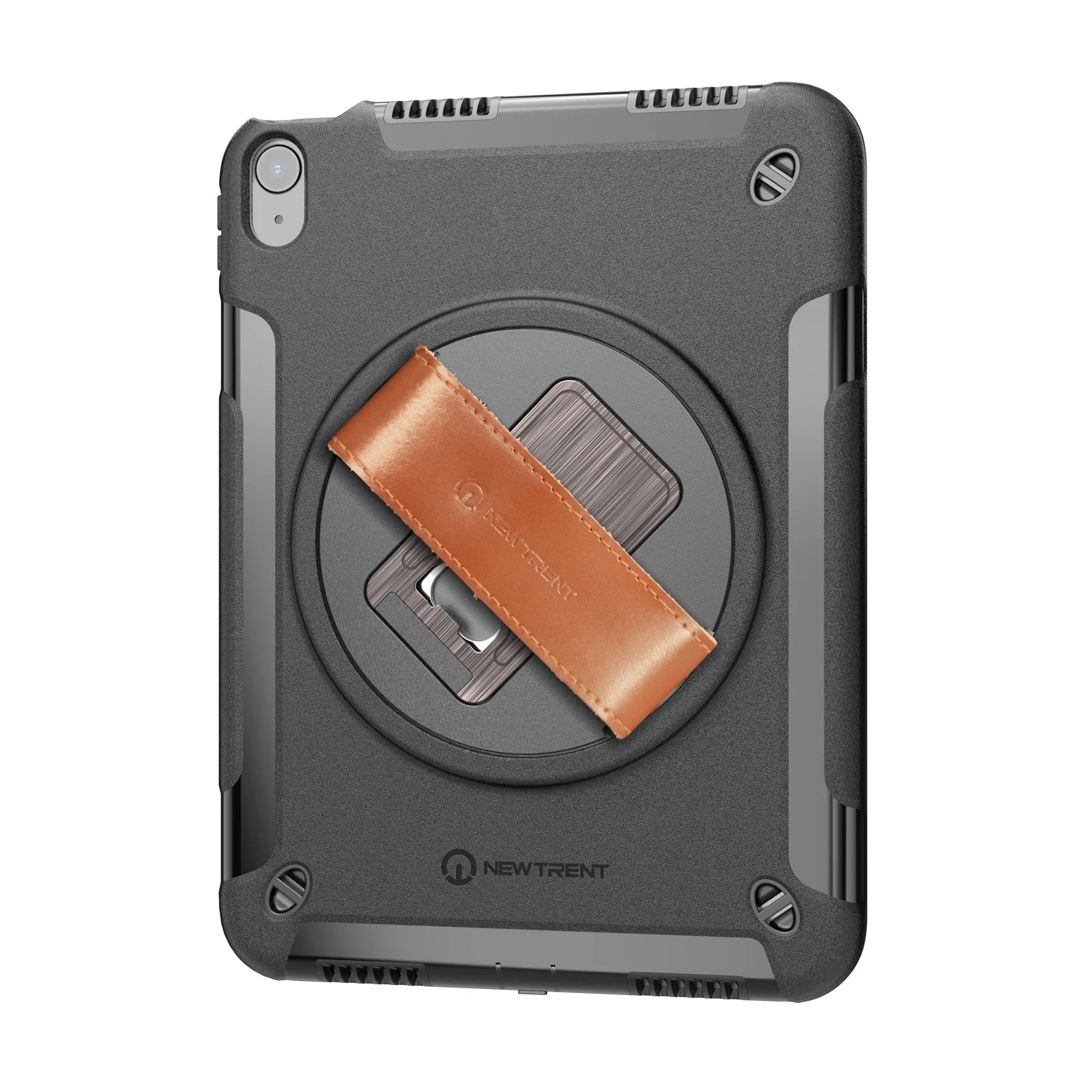
- iPad A16 and iPad 10th generation: Grabbit for iPad, model NT603GR. The confirmed A-numbers in our current finder are A3354, A3355, A3356, A2696, A2757 and A2777.
- iPad Air 11-inch M2, M3 and M4: check your Air in the finder for model NT606GR. This case does not fit the 13-inch Air or Air 4th and 5th generation.
- iPad Pro 11-inch or 13-inch M4 and M5: choose the separate Pro 11 or Pro 13 route. We confirm final fit and availability with your quote.
If your A-number is not in the finder, ask us to check it. An unlisted regional variant should not be treated as a confirmed fit just because its device name looks familiar. You can also cross-check the device name against Apple’s iPad identification page. Apple identifies the iPad; NewTrent confirms the case match.
Check the accessories your team actually uses
A case can match the iPad and still conflict with a daily habit. Before a team order, list the Pencil model, charging cable, desk setup and any storage or charging equipment you use.
For Grabbit Air NT606GR, there is no built-in Pencil holder. Remove the whole case for magnetic attachment, pairing or wireless charging of Apple Pencil Pro. Apple Pencil USB-C pairs and charges by cable. If your team relies on frequent magnetic charging, include that requirement when evaluating the case.
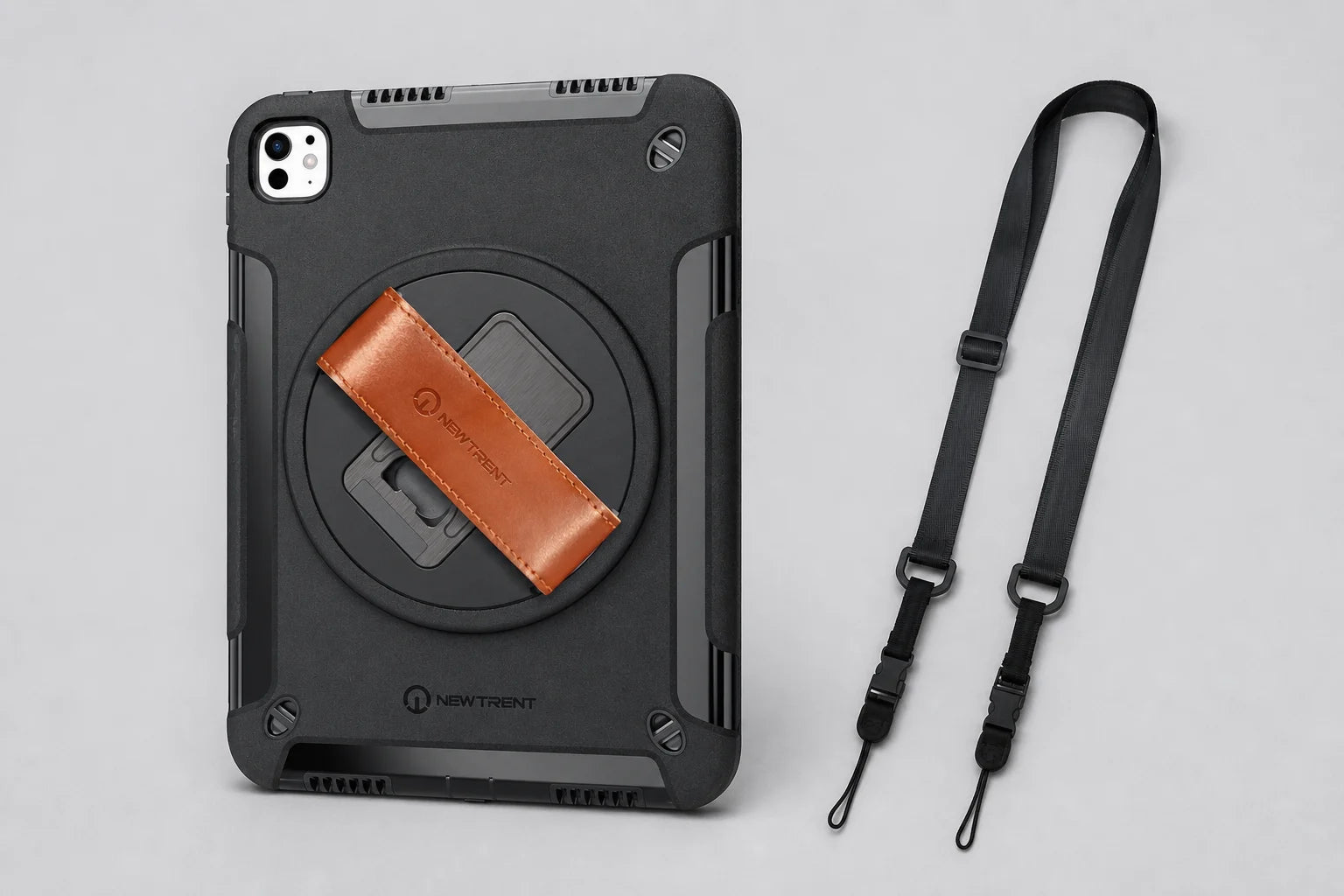
The current Grabbit range includes a shoulder strap and has three mounting openings on the back. Use the instructions and attachment arrangement for the exact model in your order. If you are reordering from an older installation, tell us which version you already have so we can discuss the current version clearly.
Match the order format to the devices
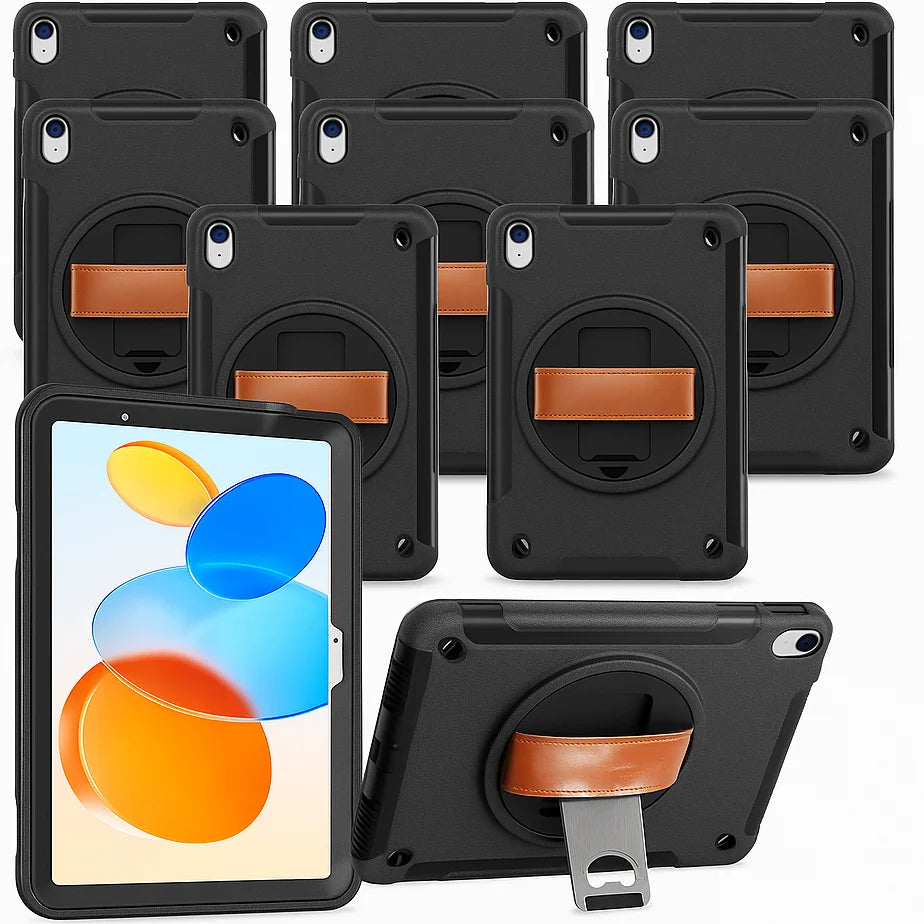
A Grabbit Classroom 10-Pack contains ten cases for the compatible NT603 iPad models. It is not an assortment of different iPad families, and it does not include iPads. Two packs equal twenty cases.
For a fleet with iPad, Air and Pro devices, keep a separate line for each model and send a team quote request. Include quantities, delivery region and the date you need the cases. We can resolve the unknowns before you commit to the full order.
Ready to check your list? Find your iPad, then add the matching case to your order or team quote.